
For vendors
Win more bookings with less work
Everything you need to know to onboard, respond to leads, and get paid on 4Kay Event Pros.
Create your vendor account
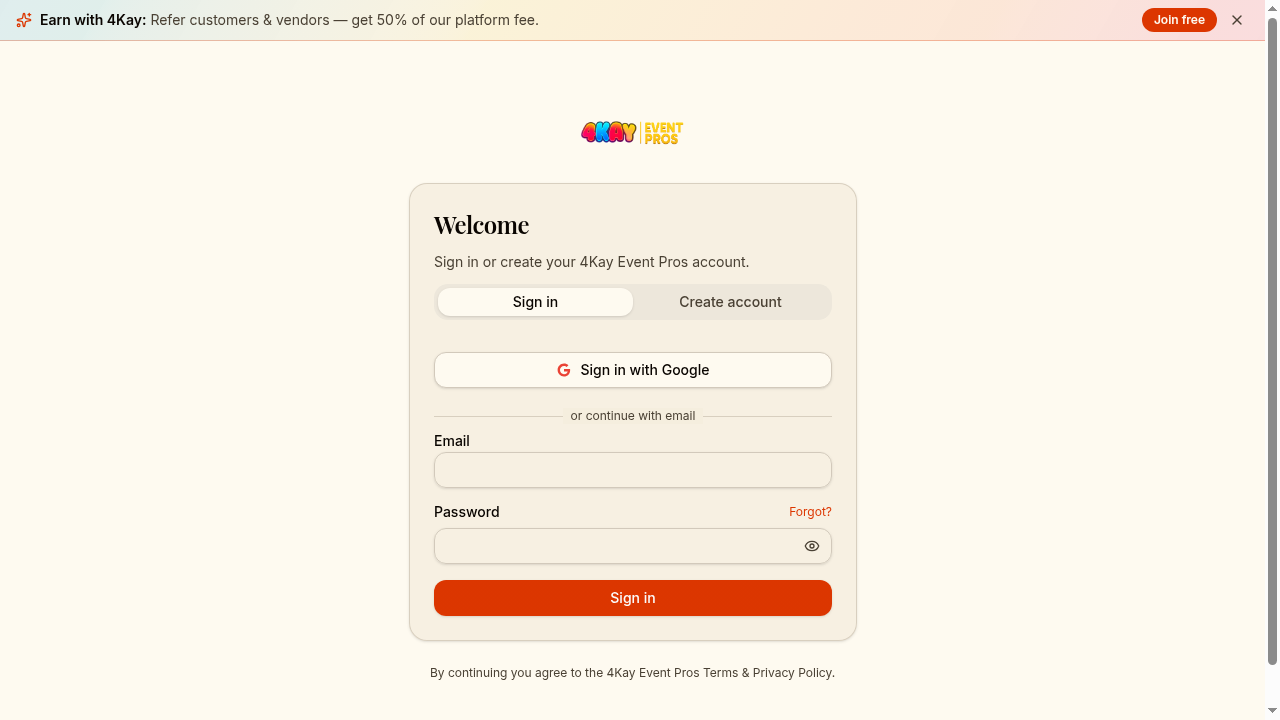
Head to /auth and create an account with Google or email. Once verified, you'll be guided through vendor onboarding.
Complete vendor onboarding
Tell us about your business: categories you serve, service area, base pricing, insurance, and a few photos of your best work. Approved vendors appear in customer searches and start receiving leads.
Tip — strong profiles win more leads
Set up estimate templates
From your vendor dashboard, open Templates to build reusable estimates for the packages you sell most often. A good template means you can respond to a new lead in under a minute.
See your marketplace presence
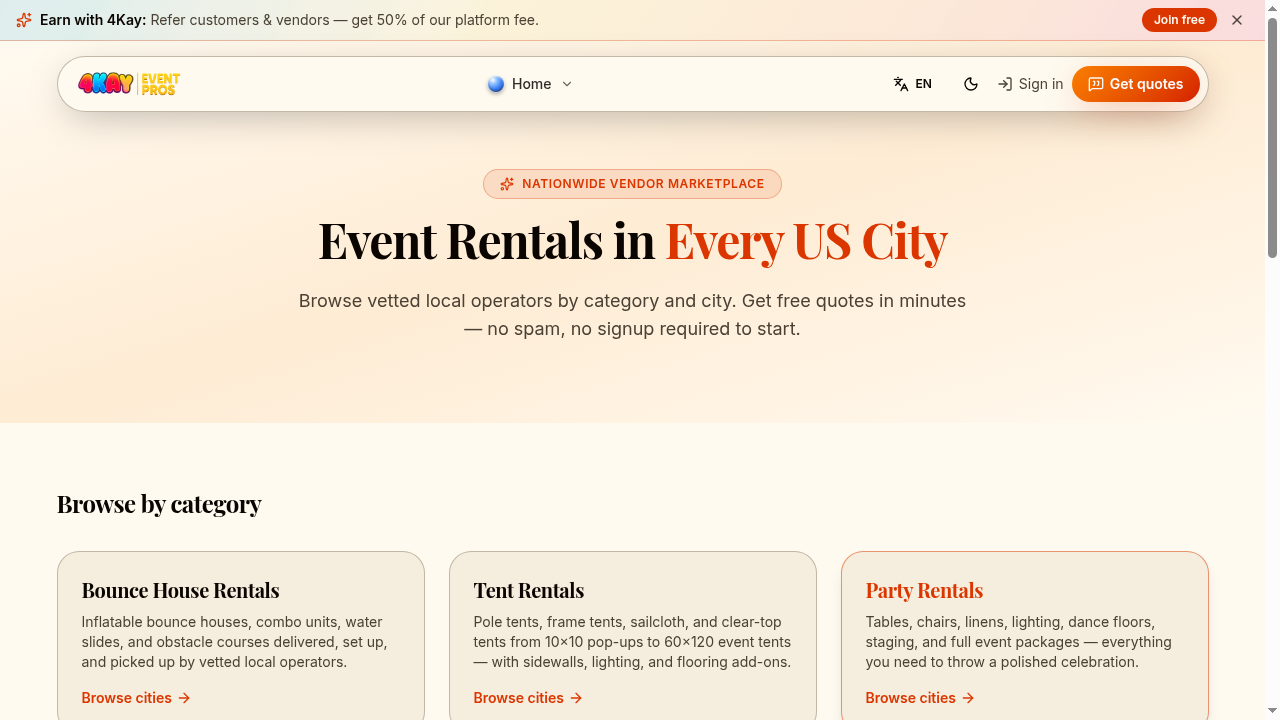
Browse /rentals to see how customers discover vendors in your categories and cities. Use this to plan which categories and service cities to expand into.
Respond to leads fast
When Kay sends a matching lead, you'll get an email and an in-app notification. Open the lead, send your estimate, and watch your response time — fast vendors win the most bookings.
Answer customer follow-up questions
Customers can ask up to 5 round-trip follow-up questions per estimate. Reply in the thread — but never share your personal phone, email, or off-platform messaging handles. The system blocks these to protect both sides.
No off-platform contact
Get paid via Stripe Connect
Connect your Stripe account from the vendor dashboard. Once a customer books, payment flows through Stripe and payouts land in your bank account on Stripe's standard schedule. No wires, no chasing checks.
Grow your reviews
After each event, customers are invited to leave a review. Reply to reviews professionally — future customers read both. A consistent review cadence is the single biggest driver of repeat bookings.