
For customers
Plan your event in minutes
From your first quote request to leaving a review — here's exactly how 4Kay Event Pros works for hosts and event planners.
Start on the home page
Open 4kayevents.com and you'll land on our home page. No account is required to start — you can request quotes as a guest and create an account when you're ready to view them.

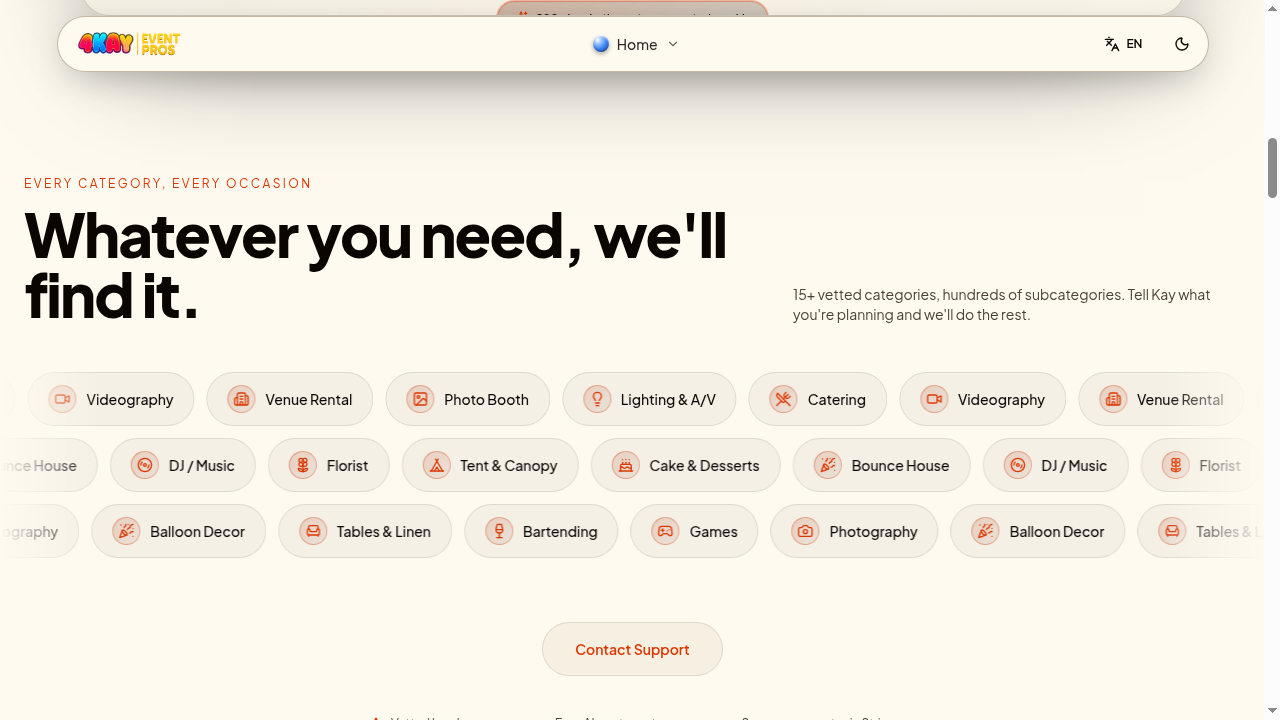
Browse categories or jump straight to Kay
Scroll down to see every category we cover — bounce houses, tents, DJs, photo booths, catering, florists, photography, and more. Click any chip to see what's available, or click Get quotes in the top-right to talk to Kay, our AI booking assistant.
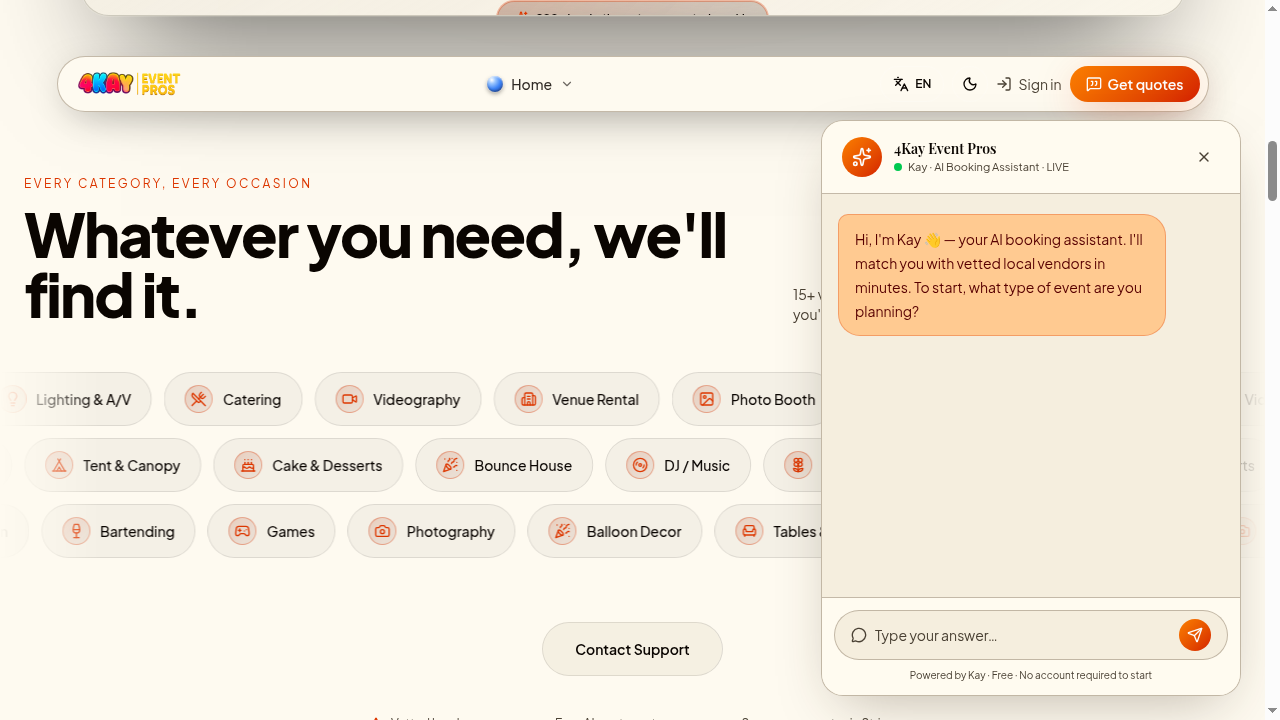
Tell Kay about your event
Kay will ask a few short questions: what you're celebrating, the date, the city, rough headcount, and which services you need. Answer in plain English — Kay handles the rest. There's no limit on how many messages you send, so feel free to think out loud.
When Kay has enough information, it creates a quote request and sends it to the top local vendors that match. You'll receive an email confirmation with your quote ID.
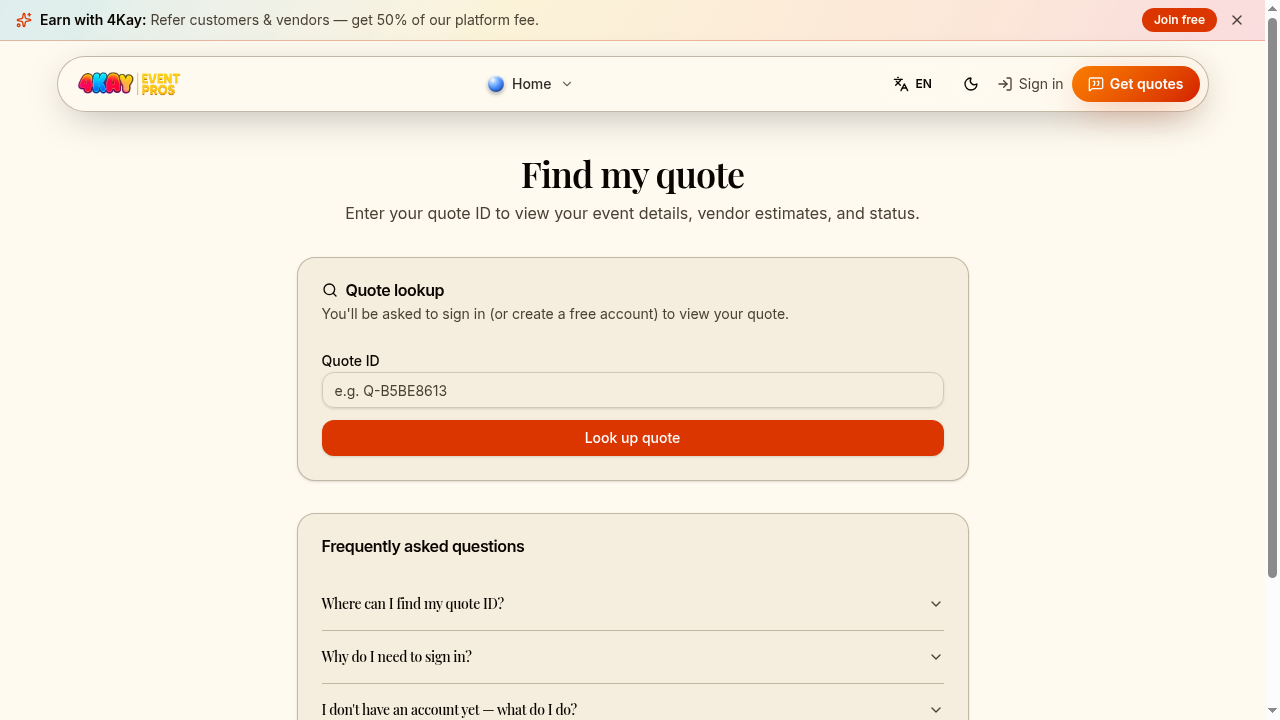
Look up your quote anytime
Have a quote ID from your confirmation email? Go to /quote/lookup to pull it up at any time. You'll be asked to sign in (or create a free account) so only you can see your event details and vendor estimates.
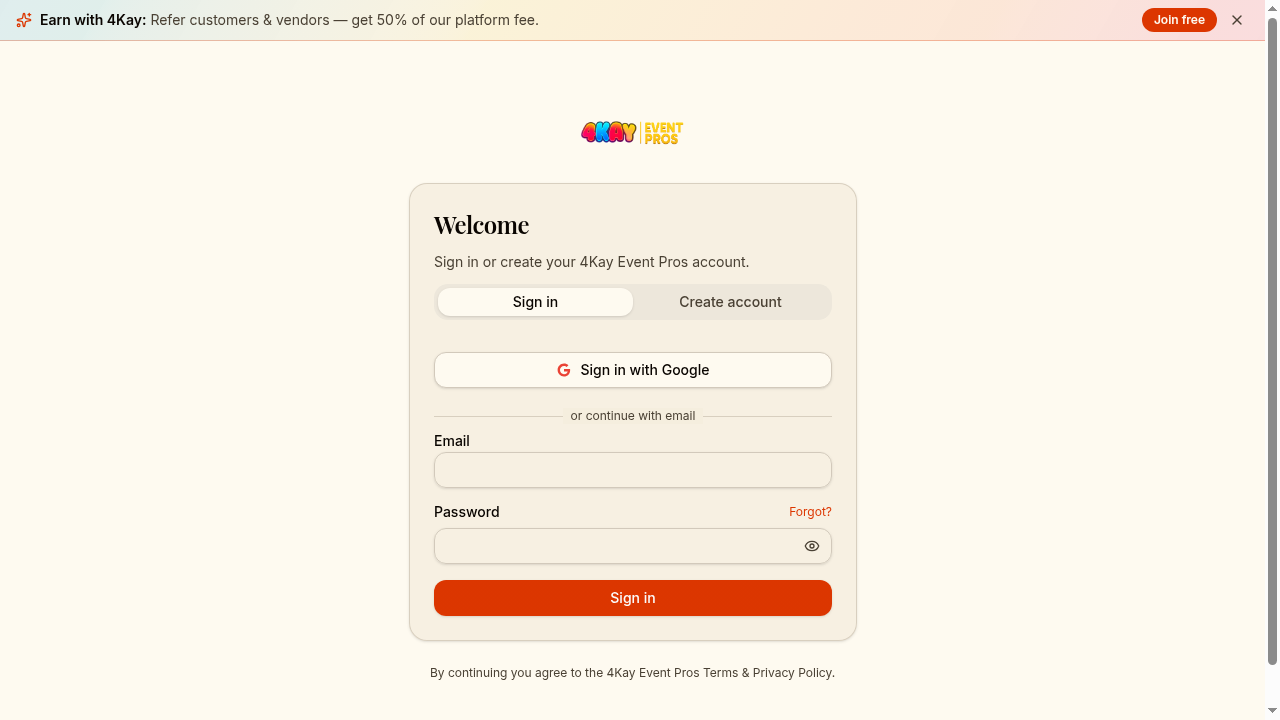
Create your free account
Sign in with Google or email at /auth. Your account is where you'll compare estimates, message vendors, manage bookings, and leave reviews.
Compare estimates side-by-side
Open your quote and you'll see each vendor's estimate — price, what's included, delivery, deposits, and any add-ons. Review the line items and check vendor ratings before deciding.
Ask the vendor follow-up questions
Not sure about something on the estimate? Open the follow-up thread on the estimate and ask. You and the vendor get up to 5 round-trip messages (10 messages total) to clarify anything before booking.
Keep it on-platform
Book and pay securely
Pick the vendor you want and book directly from the estimate. Payment runs through Stripe — you'll never need to wire money or pay a vendor outside 4Kay. Booking confirmations and balance reminders are emailed automatically.
Leave a review after the event
After your event we'll email you a quick review link. Honest reviews help other hosts find great vendors — and great vendors get more bookings. Win–win.